STEP 1
Download the free app
Install MANICA MOBILE NEXT (Android / iOS). No credit card required.
SUPPORTED READERS — 01 START
Works with major UHF readers from Zebra, DENSO, ATID and more. Install the free app, connect, and start bulk stocktakes and searches today.
COVERAGE — domestic & international
19
makers supported
33
models supported
Among the world's widest maker coverage
*Company research (July 2026 — compared against published supported-model lists of major RFID asset-management apps worldwide)
02 SUPPORTED MODELS
UHF readers the MANICA app (Android / iOS) can connect to. Models marked "LED tag support" can light up LED tags to help you find items (LED tags are introduced in the UHF Start Guide).
| Product image | Maker | Model | Android | iOS | LED tag support | Notes |
|---|---|---|---|---|---|---|
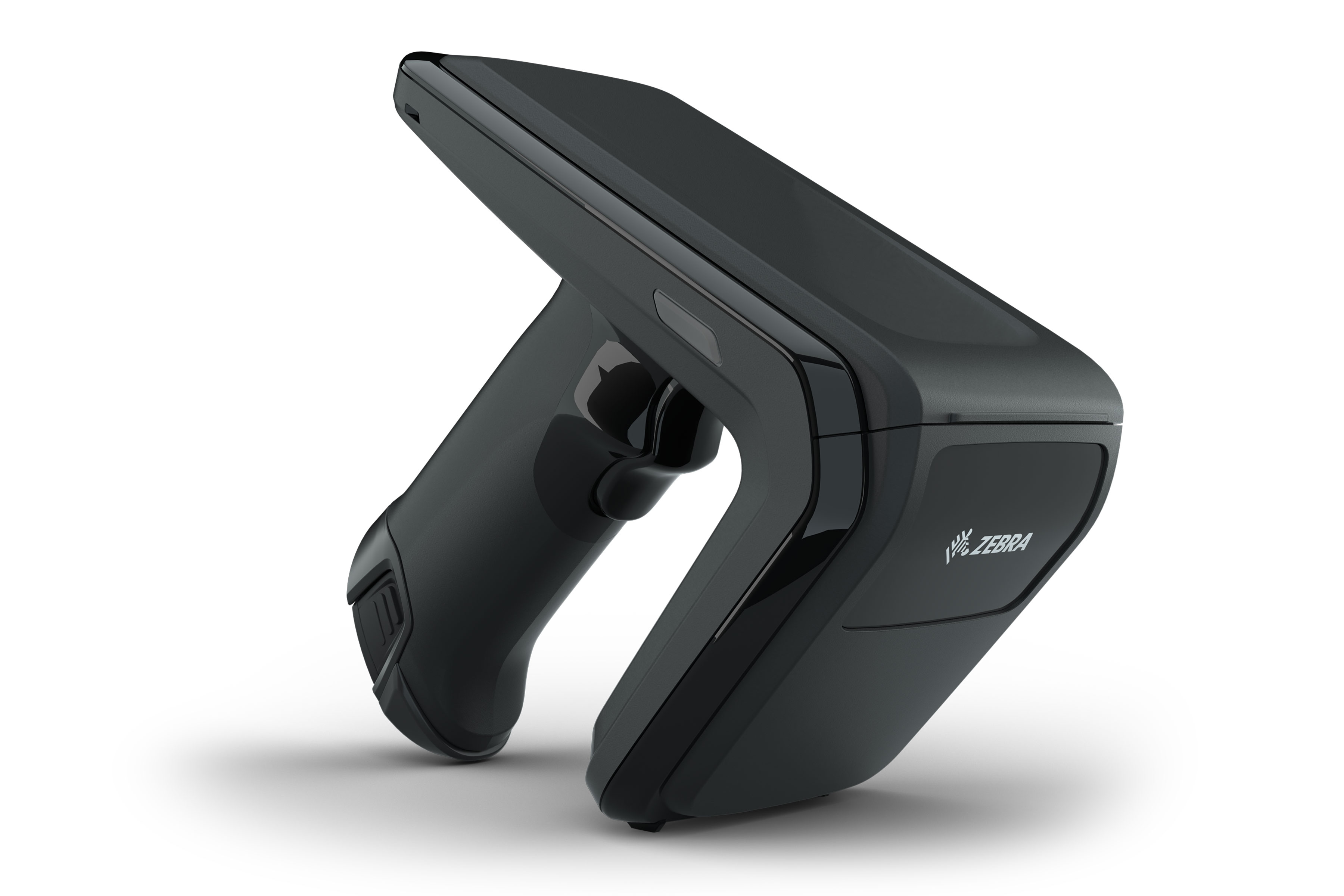 | Zebra | RFD40 | — | |||
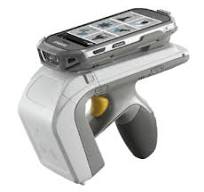 | Zebra | RFD8500 | — | |||
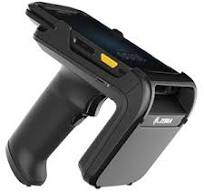 | Zebra | RFD2000 | — | |||
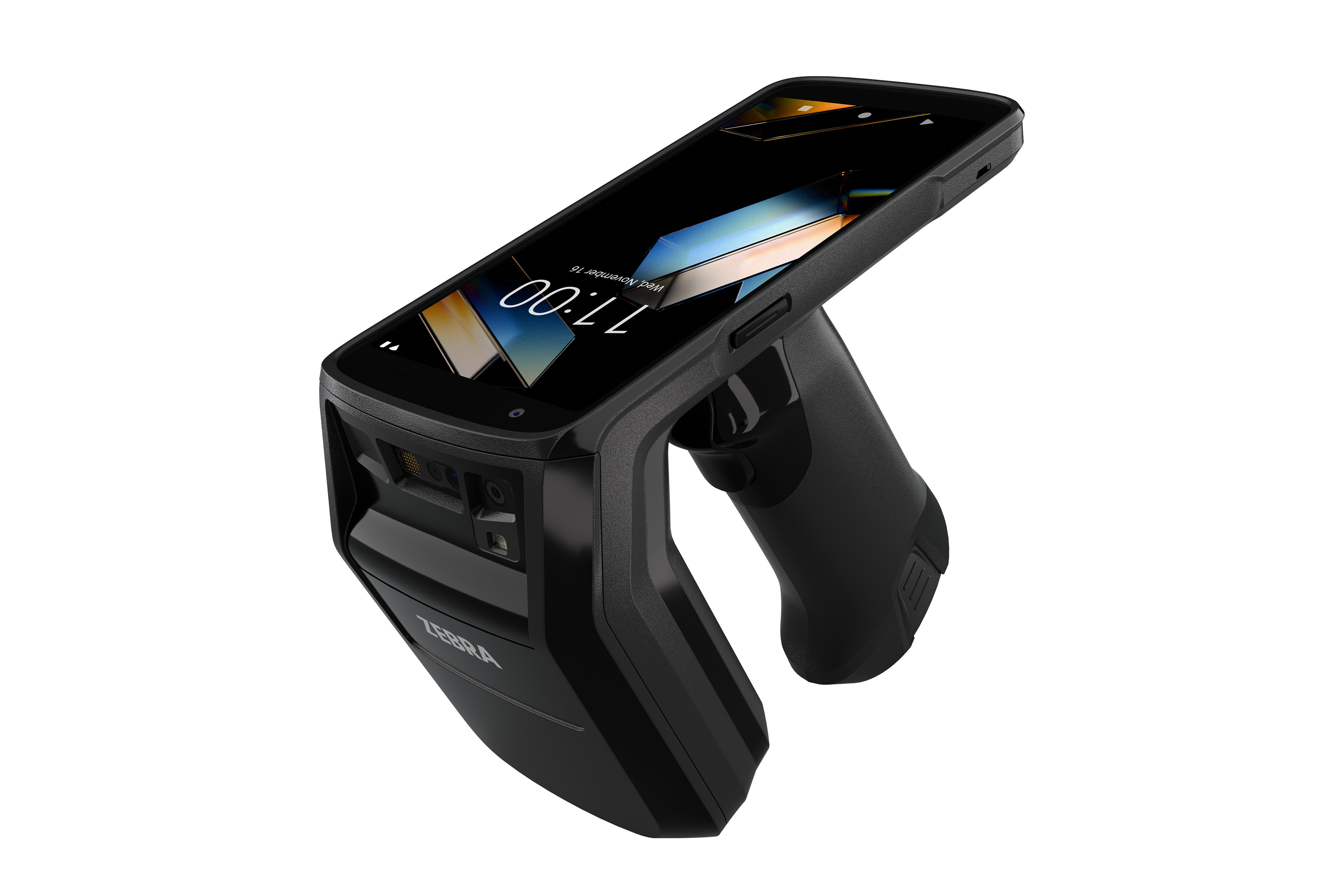 | Zebra | TC22R | — | |||
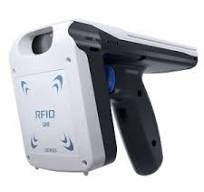 | DENSO | SP1 / SP2 | ||||
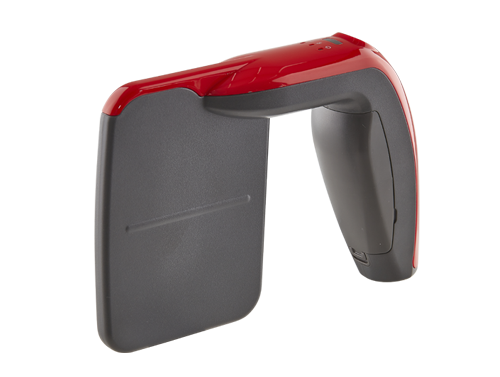 | ATID | RF-Prisma | Available at NFC Store | |||
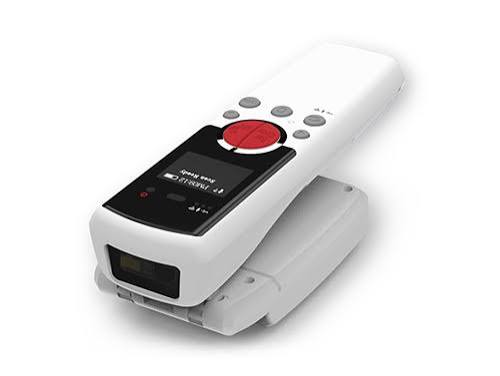 | ATID | AT388 | — | |||
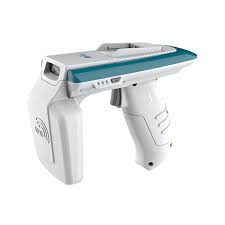 | ATID | ATS100 | — | USB / Bluetooth connection | ||
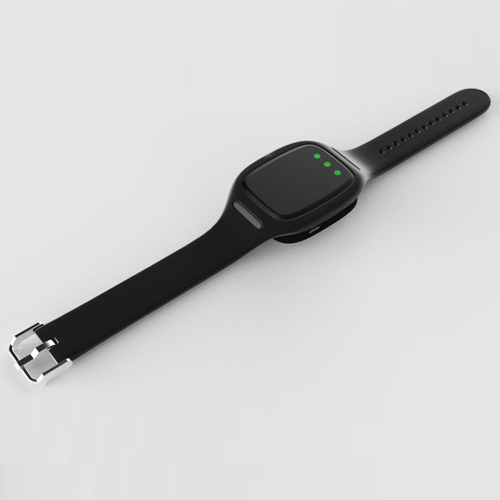 | XMiNNOV | BU01 | Available at NFC Store | |||
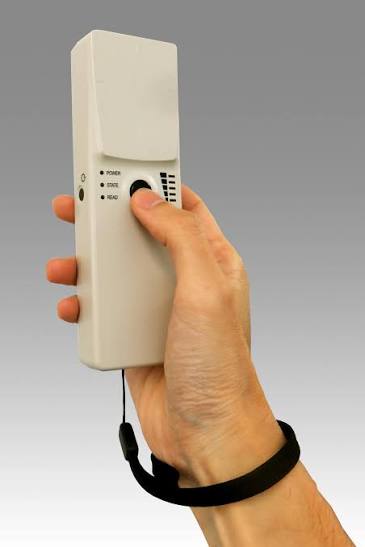 | TAKAYA | UTR-SHR | ||||
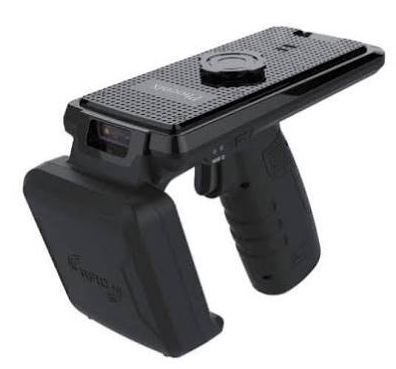 | Phoenix Solution | PSR700 | — | |||
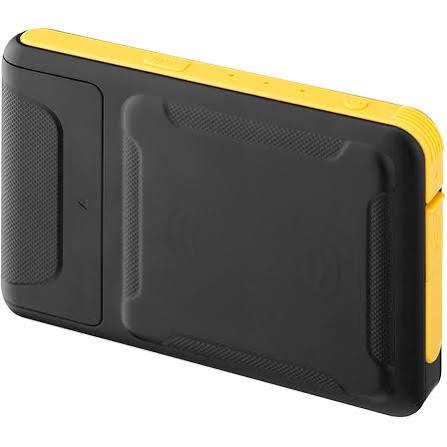 | CHAINWAY | SR7 | ||||
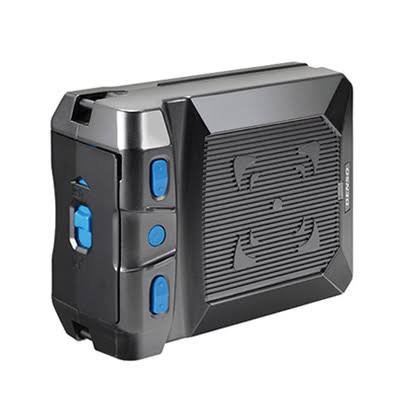 | DENSO | UR30 | — | — | ||
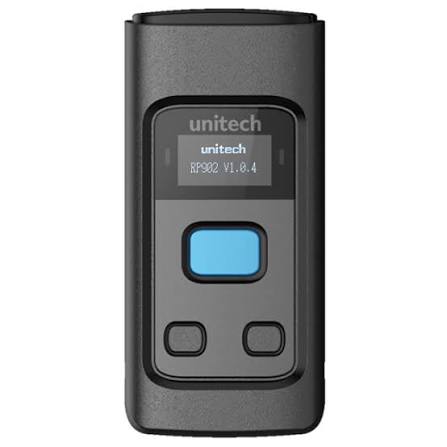 | Unitech | RP902 | — | — | ||
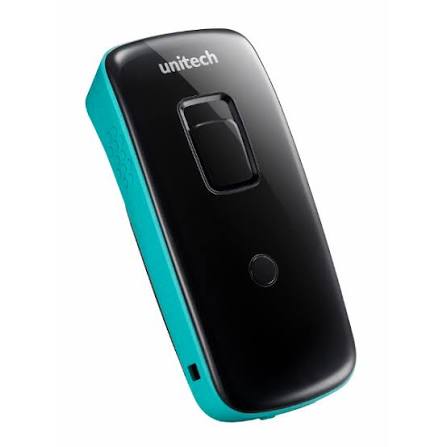 | Unitech | RP901 | — | — | ||
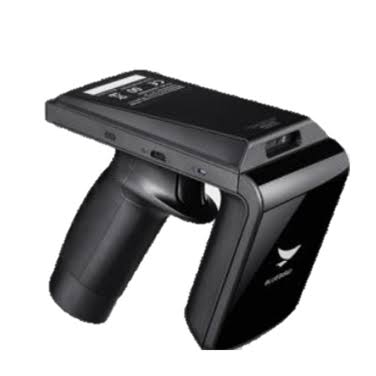 | Bluebird | RFR900 | — | — | ||
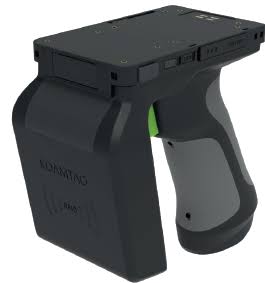 | KOAMTAC | KDC470 | — | — | ||
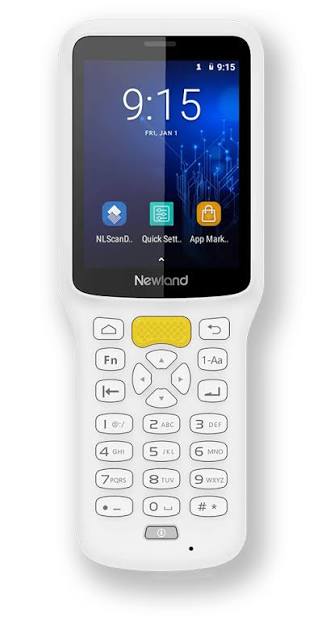 | Newland | NLS-MT37 | — | — | Barcode reader | |
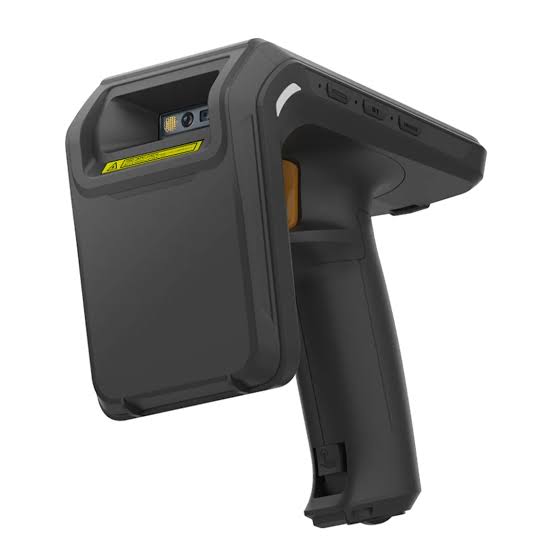 | UROVO | RFG91 | ||||
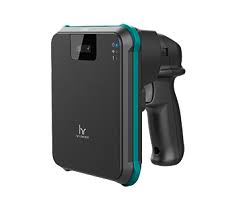 | Toshiba Tec | UF-3000 | — | |||
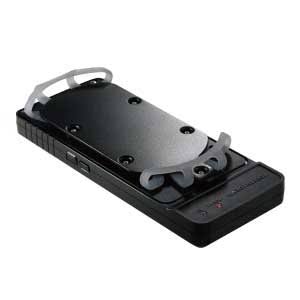 | TOPPAN | NF-UHF-CB | — | — | ||
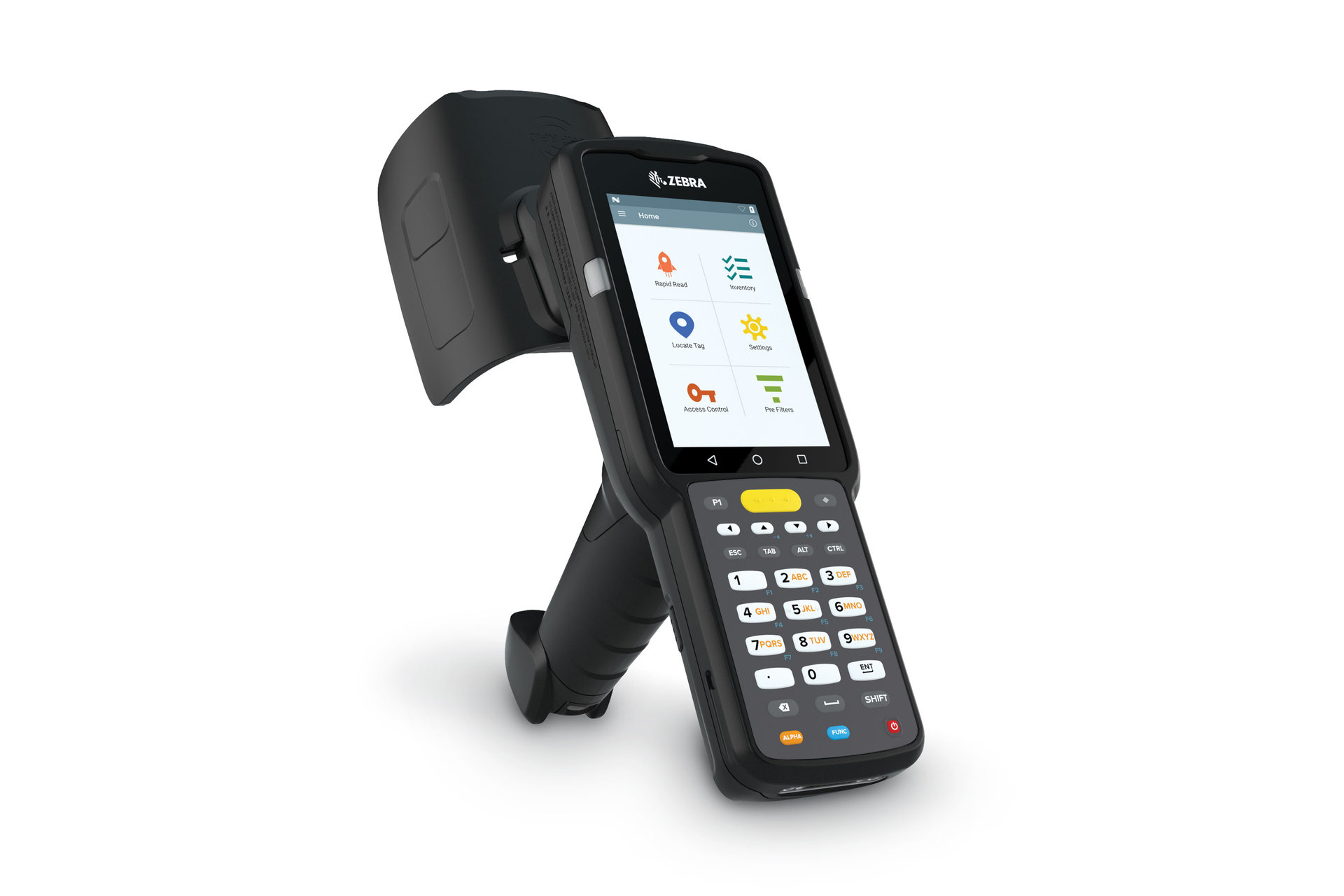 | Zebra | MC33XX | — | — | ||
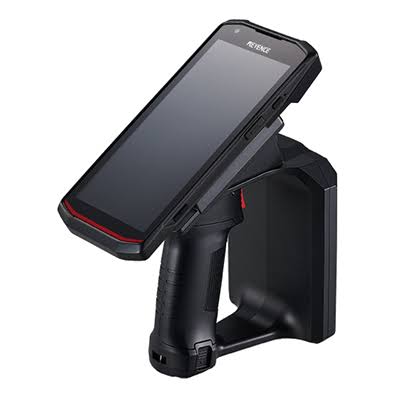 | KEYENCE | DX-A600 / DX-A400 | — | — | ||
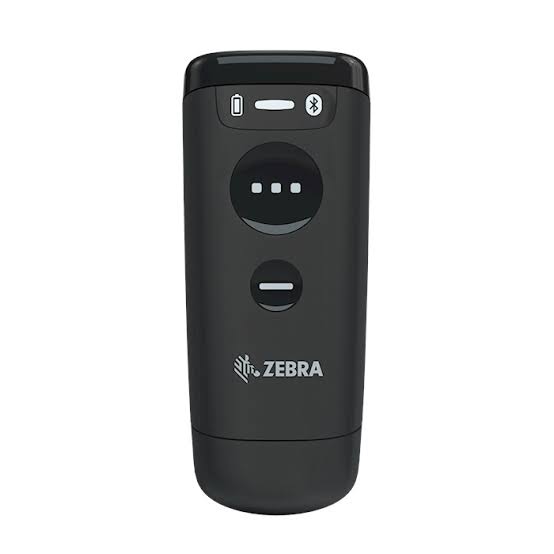 | Zebra | CS6080 | — | — | Barcode reader | |
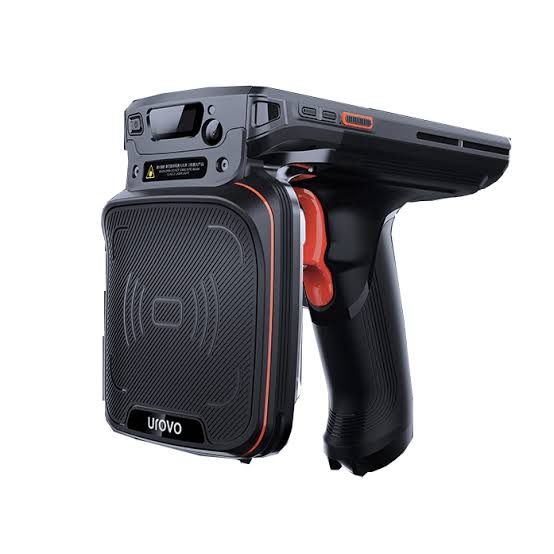 | UROVO | DT50(P) | — | |||
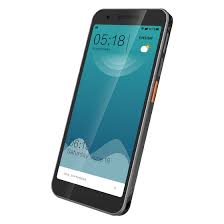 | UROVO | DT610 | — | |||
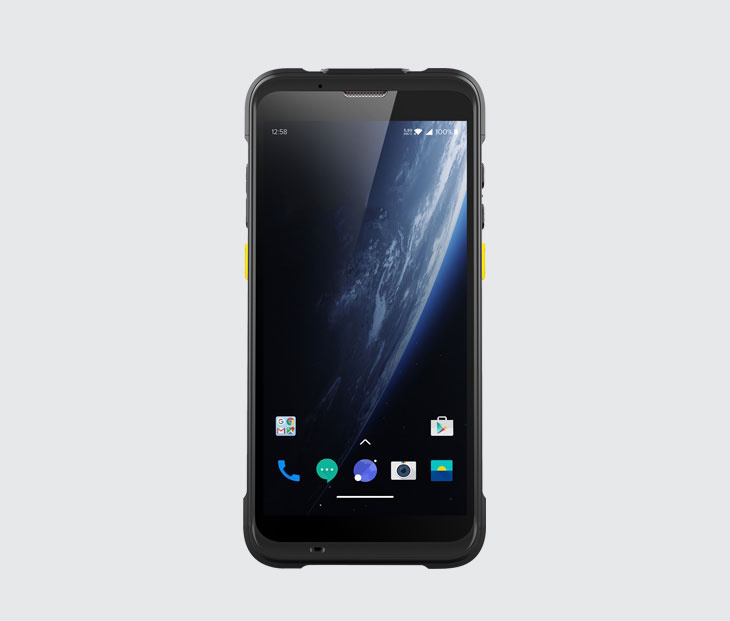 | CHAINWAY | C66 | — | |||
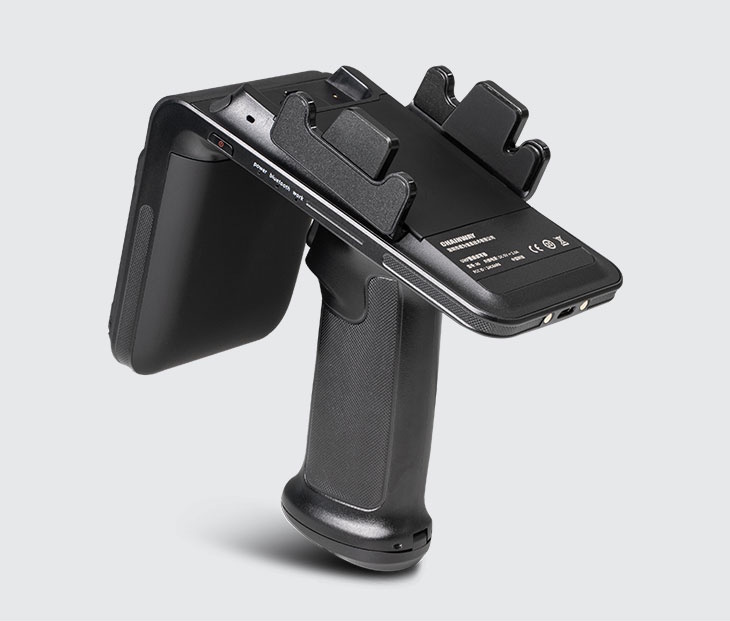 | CHAINWAY | R6 | ||||
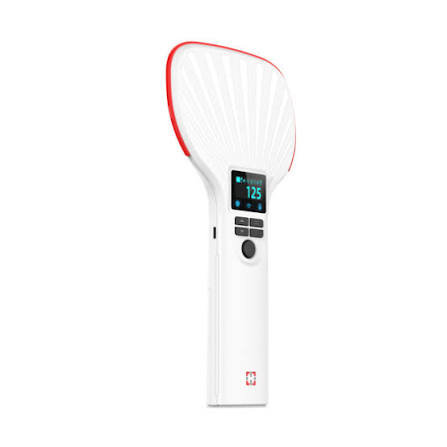 | VANCH | VH88Pro | — | — | ||
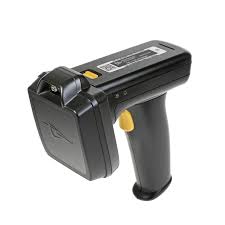 | HID | TSL1128 | — | — | ||
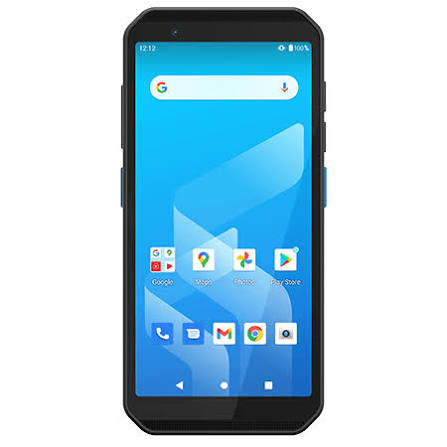 | iMozen | TC605 | — | — | ||
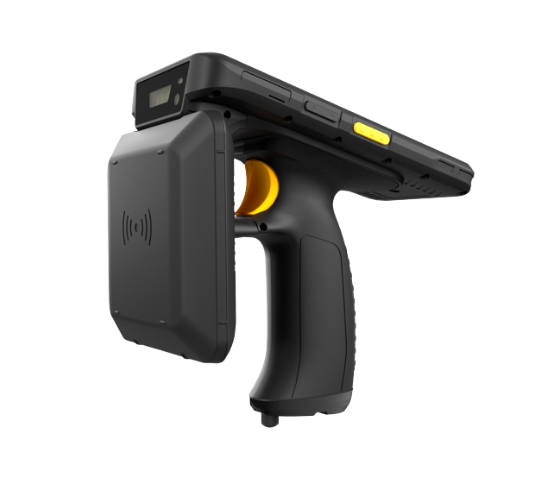 | iData | iData T1 UHF | — | |||
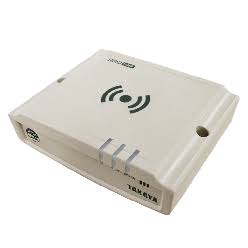 | TAKAYA | UTR-SUN | — | Desktop reader/writer |
*Model names and support status may change. Check the "device selection" screen in the app for the latest status.
03 HOW TO START
STEP 1
Install MANICA MOBILE NEXT (Android / iOS). No credit card required.
STEP 2
Register in the app to use up to 50 items free. The same ID signs you into the web admin console.
STEP 3
Select your model under "device selection" in the app and connect via Bluetooth etc. Pull the trigger to read in bulk.
Bulk reading demo
Bulk registration demo
04 FREE TO PAID
Try the core features — lend/return, stocktake, search, history — free up to 50 items. As items grow, move to a monthly plan scaled to your managed item count (card payment, starts same day). All prices are public.
05 NO READER?
No reader needed — tap tags one by one with your phone's NFC and try every feature: registration, stocktakes and search.
Reader choices, prices and where to buy are in the UHF Start Guide. For how to choose by output, connection type and form factor, see How to choose an RFID reader (RFID Navi).
06 FAQ
Only listed models can connect at this time. Even if yours isn't listed, you can try registration, stocktakes and search via your phone's NFC.
The iOS app only connects to models that support Bluetooth (BLE) — see the iOS column in the table. The Android app supports the most models.
Yes. Your phone's NFC reads tags one by one. For large item counts, a UHF reader that reads in bulk is recommended.
Both the app and web console are free forever up to 50 items. Beyond that, monthly plans scale with your managed item count (see the pricing page).